




An error has occurred, please try again later!
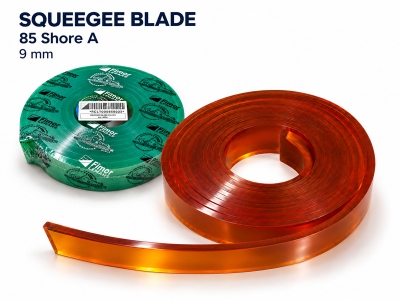
Screen printing squeegee blade 9mm 85 Shore A
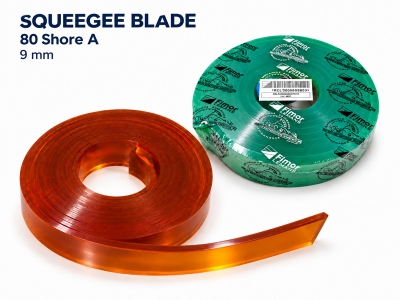
Screen printing squeegee blade 9mm 80 Shore A
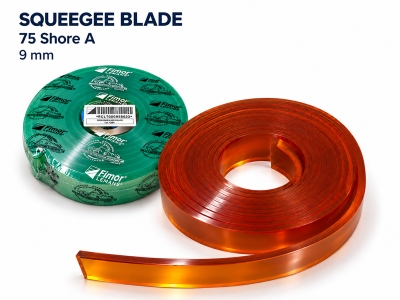
Screen printing squeegee blade 9mm 75 Shore A
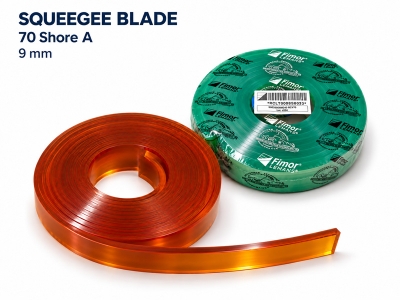
Screen printing squeegee blade 9mm 70 Shore A
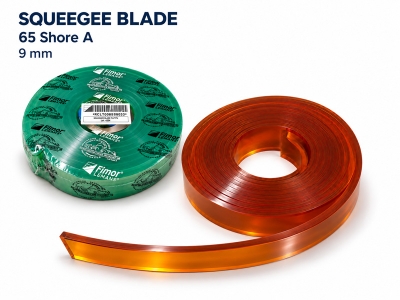
Screen printing squeegee blade 9mm 65 Shore A
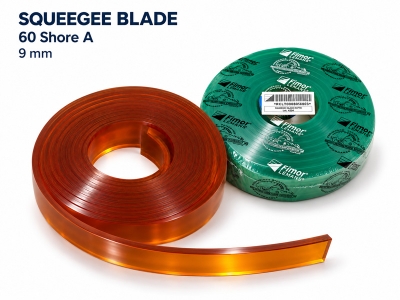
Screen printing squeegee blade 9mm 60 Shore A
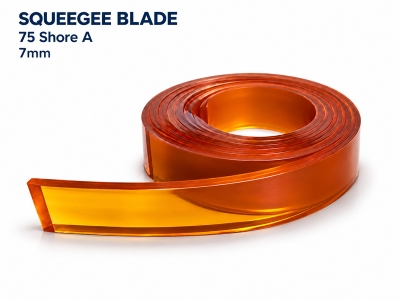
Screen printing squeegee blade 7mm 75 Shore A
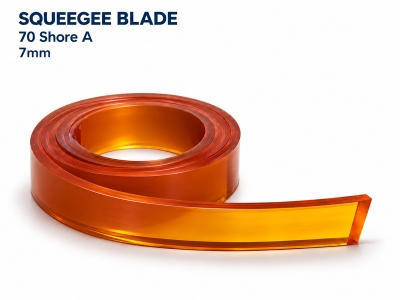
Screen printing squeegee blade 7mm 70 Shore A
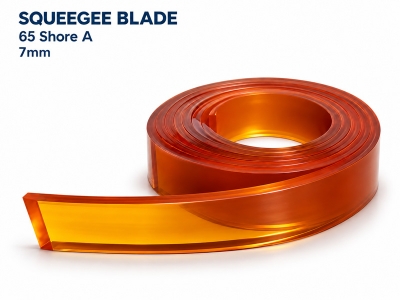
Screen printing squeegee blade 7mm 65 Shore A
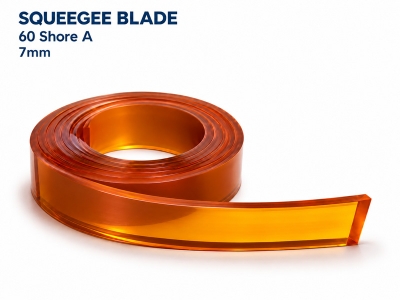
Screen printing squeegee blade 7mm 60 Shore A
A screen printing squeegee blade forces ink through the image areas of the stencil onto the substrate. Selecting the appropriate material, durometer, edge profile and dimensions helps control ink deposit, reproduce fine detail and maintain print quality.
The Role of the Squeegee Blade in Screen Printing
The squeegee blade, also commonly called squeegee rubber, contacts the mesh during the print stroke. Its durometer and edge profile influence the amount of ink transferred to the substrate and the reproduction of the printed image.
Squeegee selection must take the mesh, ink, stencil and operating conditions into account; it should not be based on a single specification.
Squeegee Blade Materials
Polyurethane (PU) is widely used to manufacture screen printing squeegee blades. Manufacturers offer different PU formulations to meet requirements for abrasion resistance, chemical resistance and edge retention.
Not all PU formulations have the same resistance to inks and solvents. Select a material grade compatible with the ink system in use, particularly when working with UV inks or solvent-based inks that can significantly affect the blade.
Squeegee Blade Hardness – Shore A
Squeegee hardness is generally expressed on the Shore A scale. Under comparable conditions, softer blades tend to deposit more ink, while harder blades tend to deposit less ink and are suitable for detailed work.
|
Reference Durometer Range |
Characteristics and Selection Guidance |
|
60–65 Shore A |
Soft and flexible; consider when a heavier ink deposit or certain special effects are required. |
|
70–75 Shore A |
Balances flexibility and ink control; suitable for many general printing applications. |
|
80–90 Shore A |
Harder; consider for controlled, thin ink deposits, small text, fine detail or halftone printing. |
This table provides initial selection guidance rather than a standardized classification used by all manufacturers. When ordering, specify the Shore A value and product code, as squeegee blade colors are not standardized across manufacturers.
Squeegee Edge Profiles
Square Edge
A common profile suitable for many textile and graphic screen printing applications. A sharp, even edge helps control ink deposit and image definition.
Rounded Edge
Tends to deposit more ink and is suitable for certain special-effect applications, such as gel and puff inks. Select this profile according to the required ink deposit and the ink manufacturer’s recommendations.
Single-Bevel or Double-Bevel Edge
Often used for printing on bottles, jars, cylindrical objects or uneven surfaces. Beveled profiles can alter the contact conditions and the pressure applied to the ink.
A V-shaped blade is not automatically the best choice for every fine-line printing application. The shape of the substrate, printing equipment and ink transfer requirements must also be considered.
Dimensions and Installation
When selecting a squeegee blade, specify the complete dimensions: length × height × thickness.
▫ Length: Must cover the printed image while allowing appropriate clearance within the frame.
▫ Height: Must account for both the section clamped inside the holder and the exposed working section.
▫ Thickness: Must fit the holder’s clamping slot; do not force an oversized blade into the holder.
Blade projection, thickness and durometer jointly affect blade deflection under pressure, which changes the actual working angle.
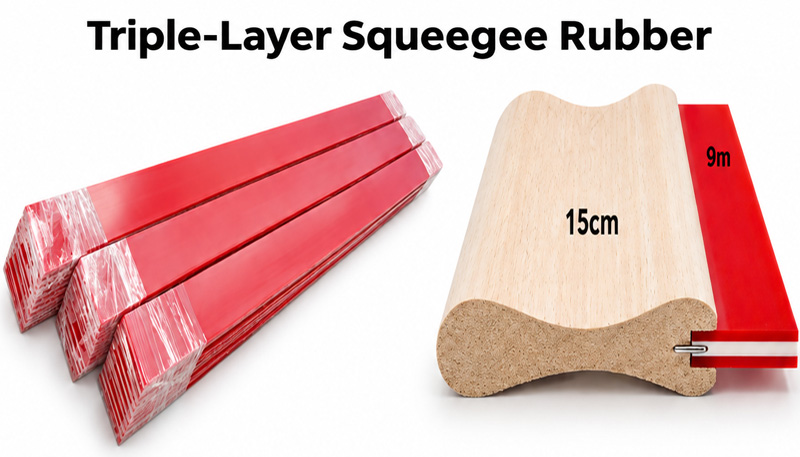
Triple-Durometer Squeegee Blades
Triple-durometer squeegee blades combine two softer outer layers with a hard central core, such as 70/90/70 Shore A. The core helps limit excessive blade deflection, while the outer layers provide the printing contact surfaces.
This construction can be considered for high-speed printing, halftones or CMYK process printing where consistent control of the squeegee edge is required.
Usage Guidelines
Adjust the Squeegee Angle to Suit the Job
Maintain a squeegee angle of approximately 45° to optimize ink transfer.
Note: Do not use 45° as a fixed setting for every application. Consider the angle set on the machine and the blade’s actual angle under pressure, and confirm whether the angle is measured relative to the mesh surface or the vertical.
Control Printing Pressure and Inspect the Squeegee Edge
Adjust printing pressure in conjunction with the squeegee angle, printing speed and blade deflection. Before printing, inspect the edge for nicks, wear or deformation; service or replace the blade as required.
Clean After Use
Remove excess ink using a suitable cloth or tool, then wipe with a compatible cleaning agent. Avoid prolonged exposure to aggressive solvents. Allow the blade to rest and residual solvent to evaporate before reuse or sharpening.
Recommended Storage
Store clean blades in a cool, dry place away from direct sunlight.
For extended storage, or before using blades supplied in rolls, lay them flat according to the manufacturer’s instructions.
Sharpen only dry blades using a method recommended for the blade material.
Related Products
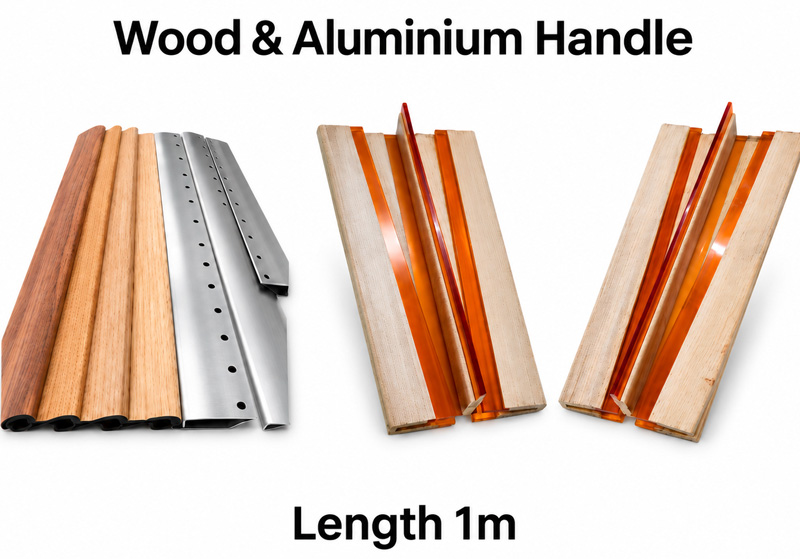
▫ Wooden or aluminum squeegee holders, custom-made to specification.
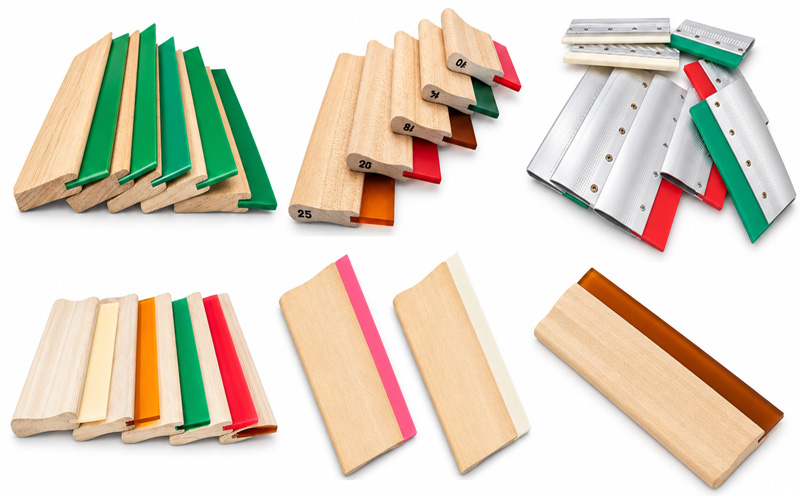
▫ Wooden or aluminum squeegee holders, 1 m long.
▫ Triple-Durometer Squeegee Blades.